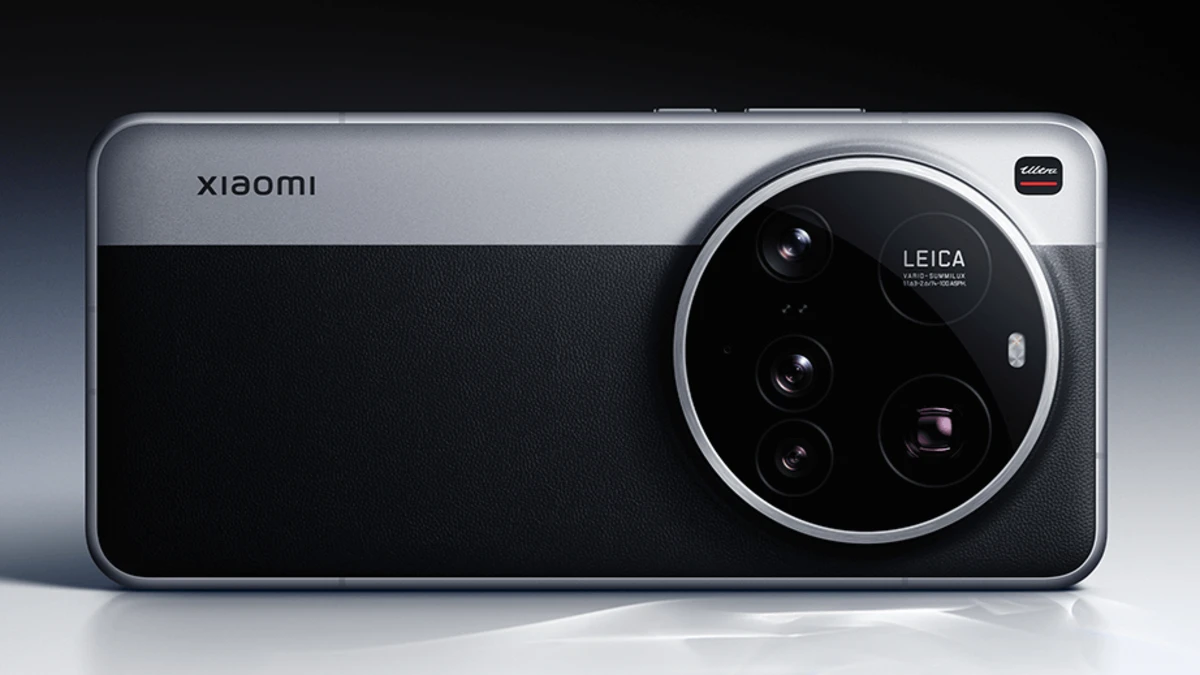
In the realm of mobile photography, Xiaomi is consistently proving that great cameras aren’t just about hardware. The company is now taking pro-level imaging to new heights through software optimisation. The latest example of this is Xiaomi’s Professional Parameter Styles, which have now been made available to more users with a new update.
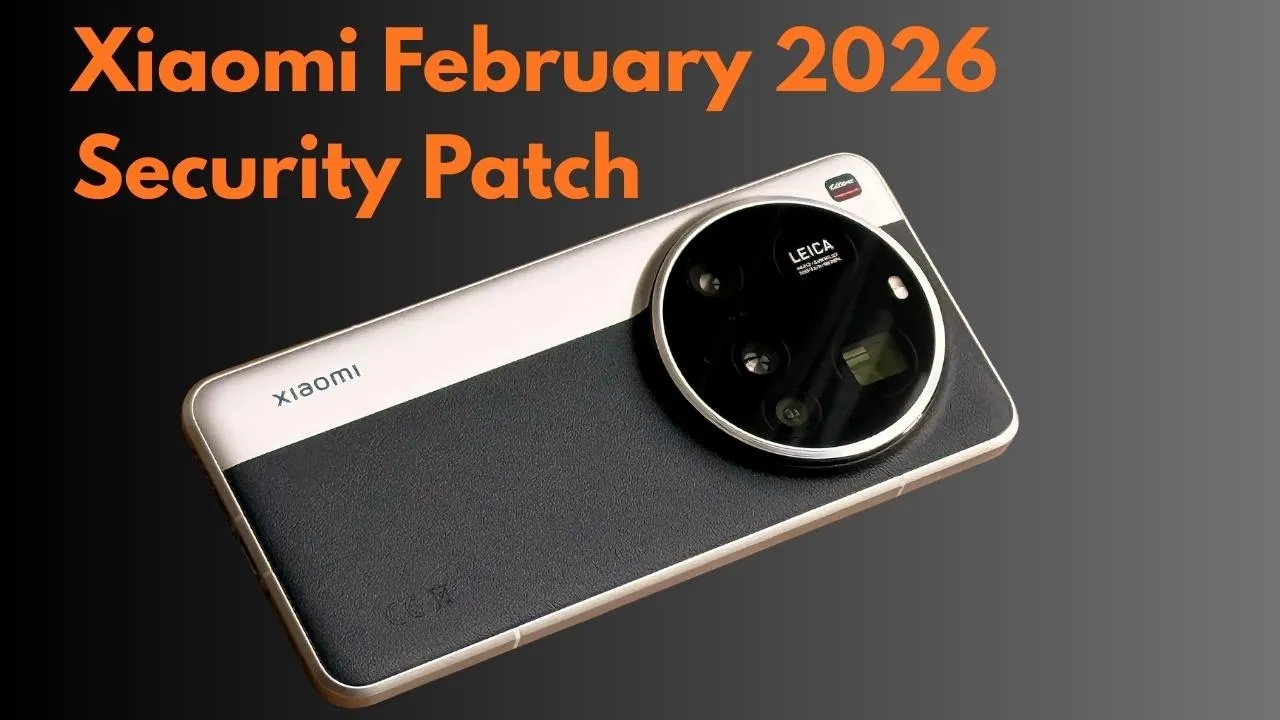
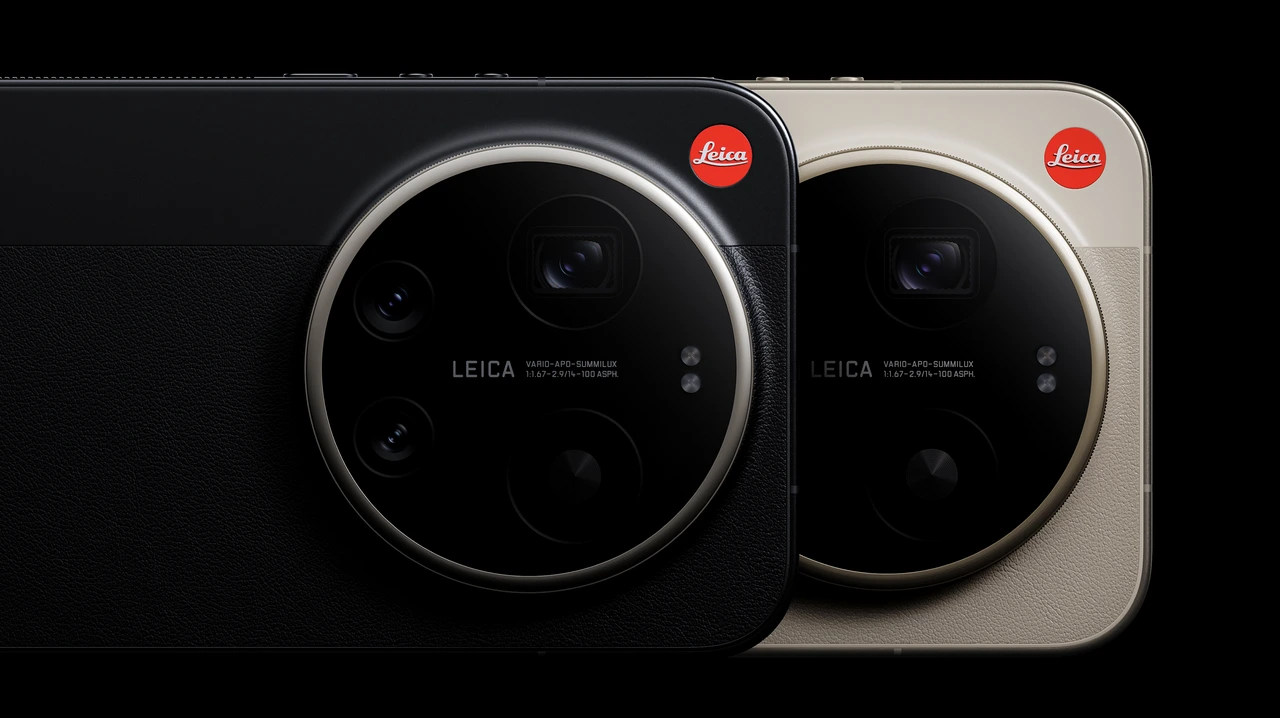
Previously, these advanced camera styles were limited to the Xiaomi 17 Ultra Leica Edition, but now it’s reported that these premium presets from the “Ultra” series will also work on other Xiaomi smartphones running the new HyperOS version.
What are Professional Parameter Styles, and why are they special?
These are not ordinary camera filters. Professional Parameter Styles enable users to fine-tune in-depth camera settings while capturing photos. These include elements like contrast, sharpness, saturation, and white balance, customised with Leica’s colour science.
After the new camera app update, users can now import these styles in batches, rather than individually. Multiple styles can be added to the camera app simultaneously by scanning a QR code or using a preset package.
Which Xiaomi Phones are Compatible with these Ultra Presets
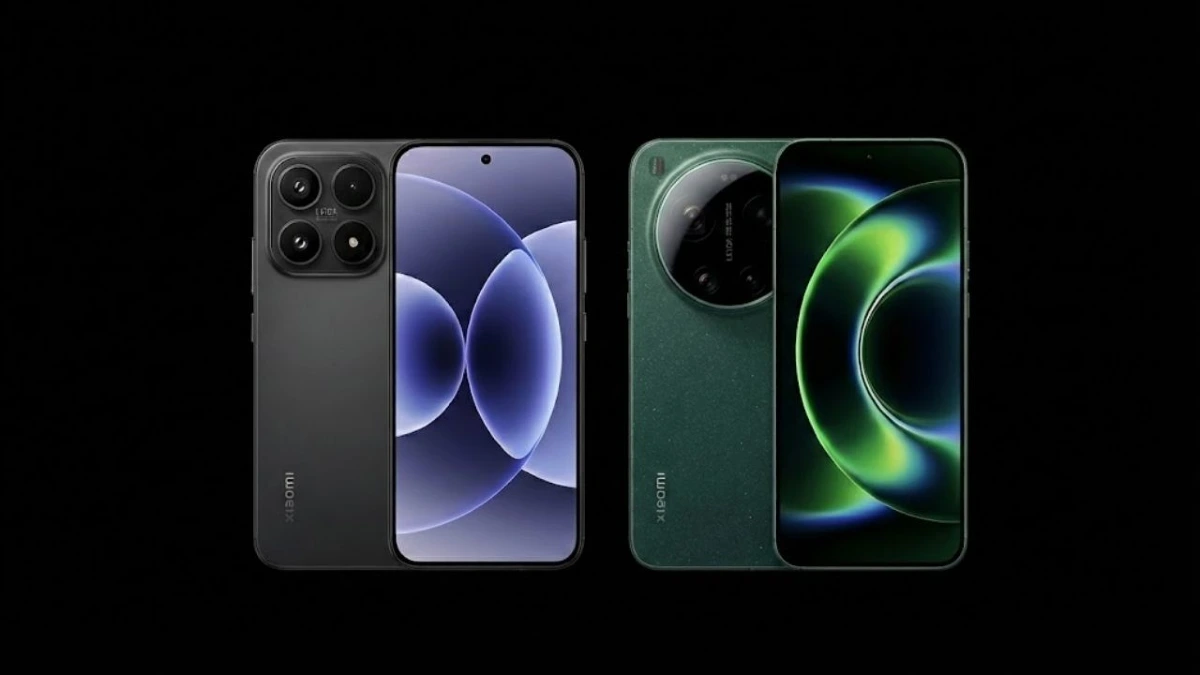
Although these presets were created for the Xiaomi 17 Ultra, they can now be used on other Xiaomi flagship and sub-flagship series, such as the Xiaomi 15 and Xiaomi 14 line-up. Both the phone’s camera app and HyperOS must be updated to the latest version to ensure the Professional Parameter Style interface is available.
What’s New in Batch 4 Professional Presets
Xiaomi has recently released the fourth batch of Professional Styles, designed to cater to various photography situations.
Sunset Glow
This preset is specifically designed for golden hour and sunset photography. It uses low contrast and high sharpness, making landscape photos look more natural and detailed. Ink & Brush. This is a portrait-focused style that utilises negative sharpness. Its purpose is to give the skin a soft, artwork-like texture.
Fleeting Time
This preset is for users who prefer a vintage and cinematic look. It significantly reduces contrast, giving the photo a dreamy and nostalgic feel.
Clear Moon
This preset is best suited for night photography and reflection shots. It features balanced contrast and a slight exposure boost to ensure clear photos even in low light.
How to Download and Install Professional Presets
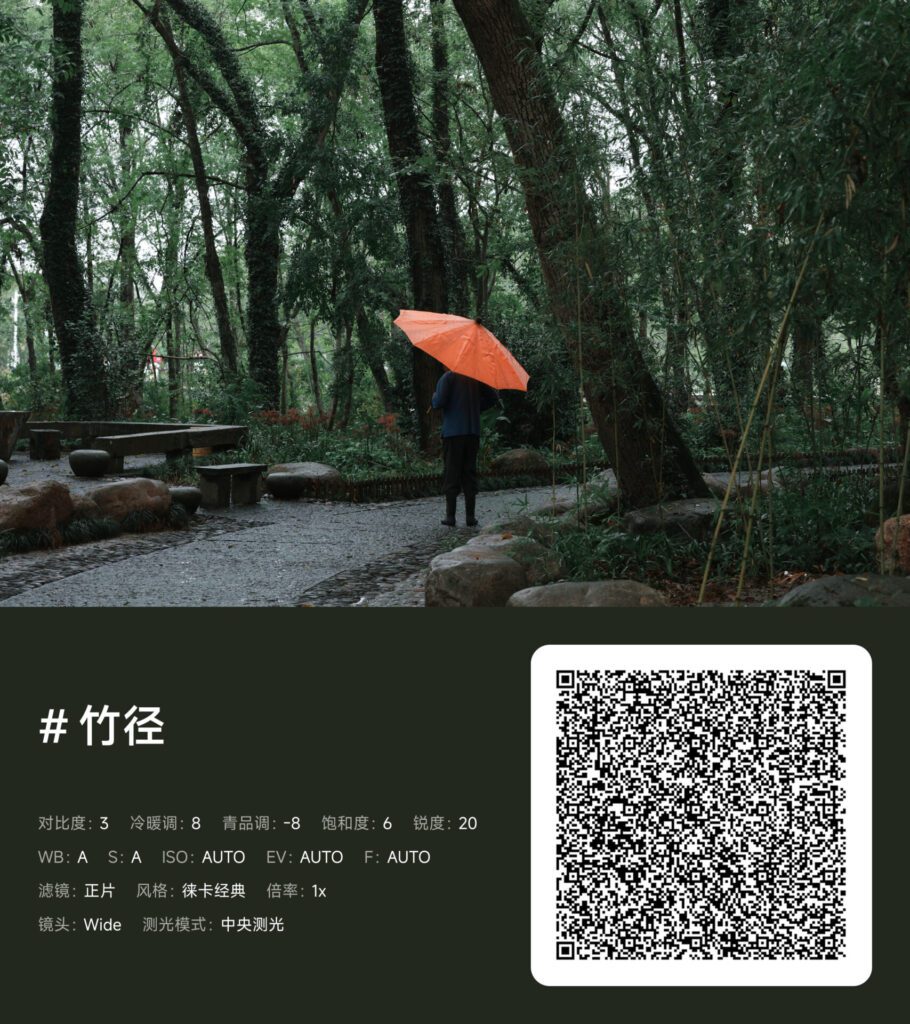
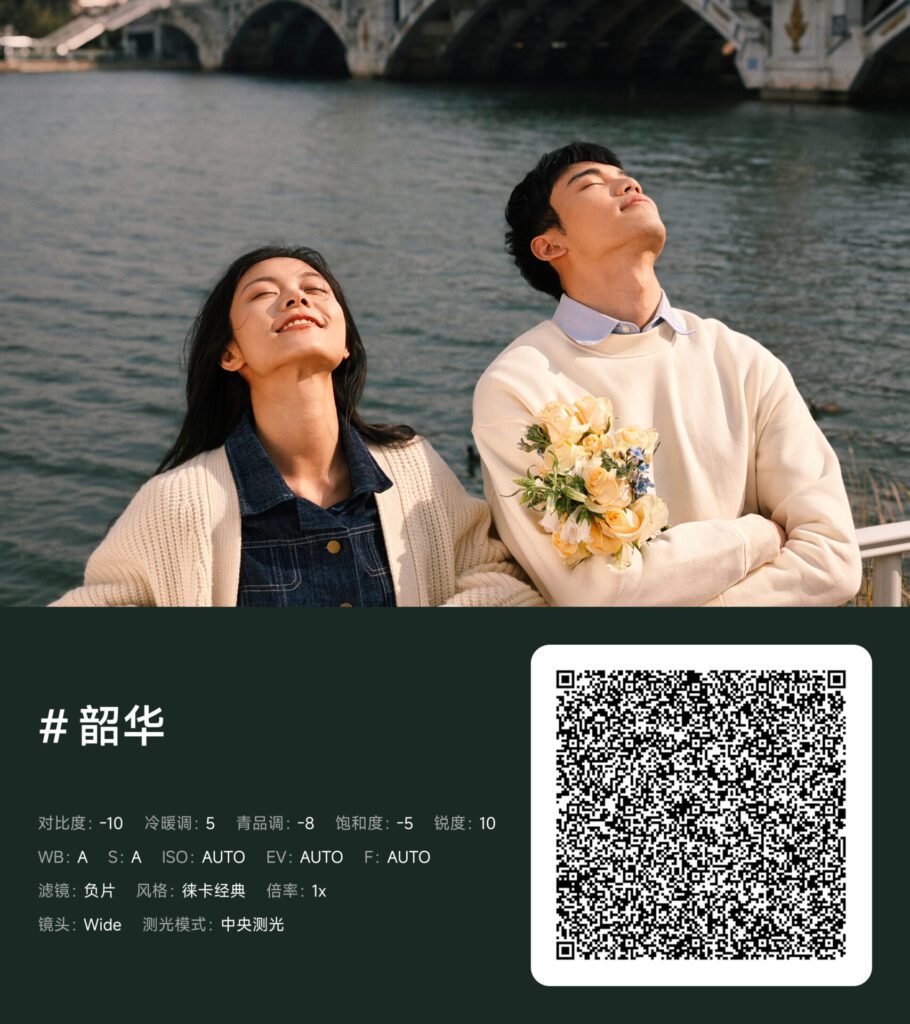
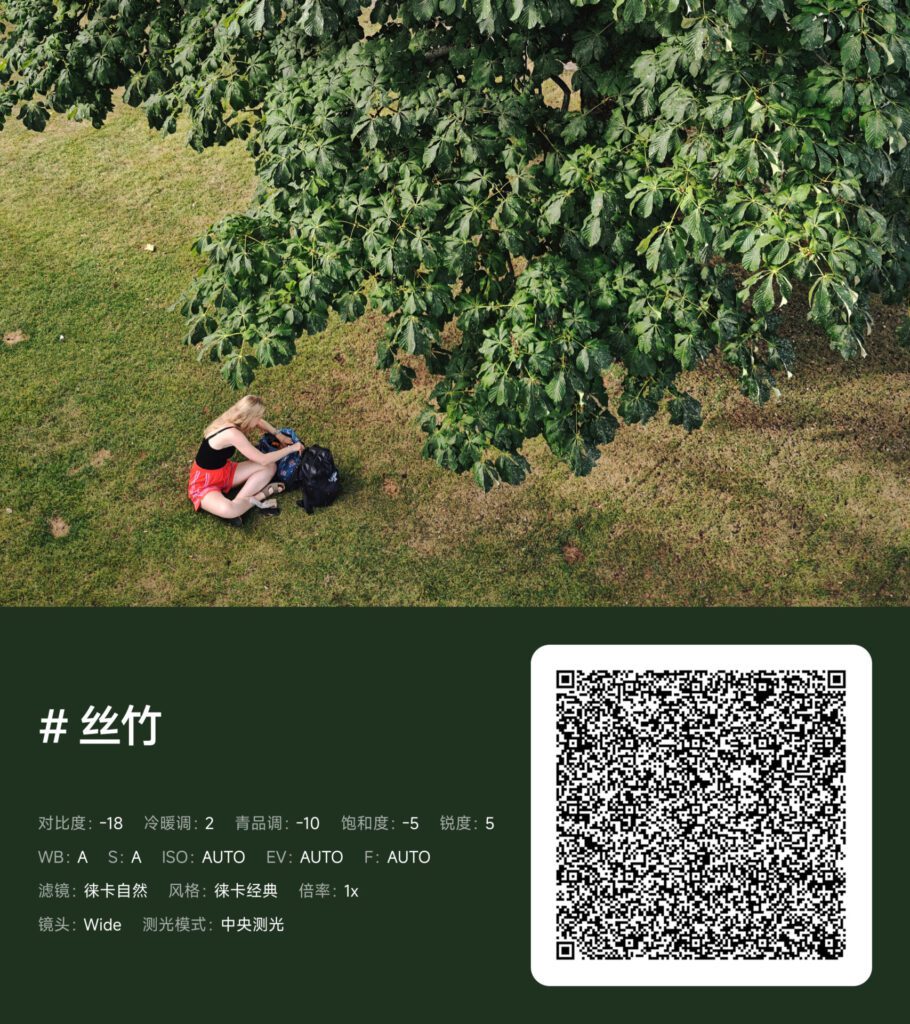
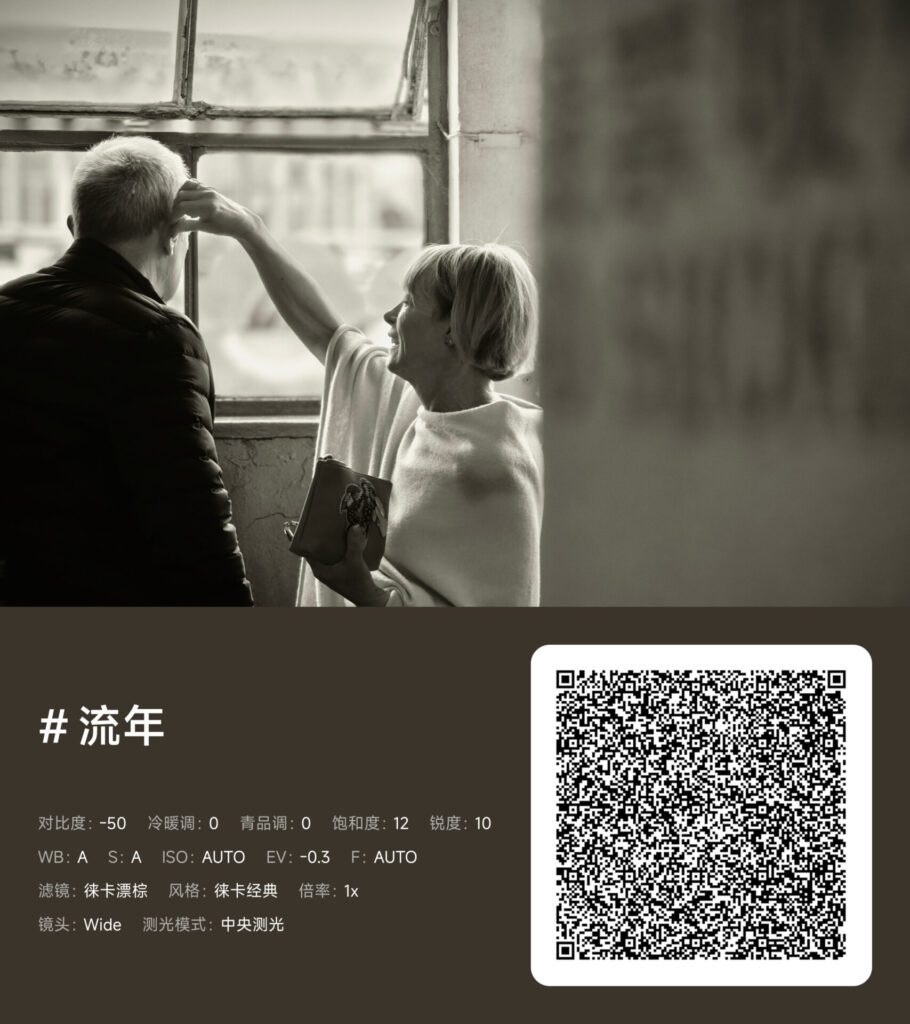
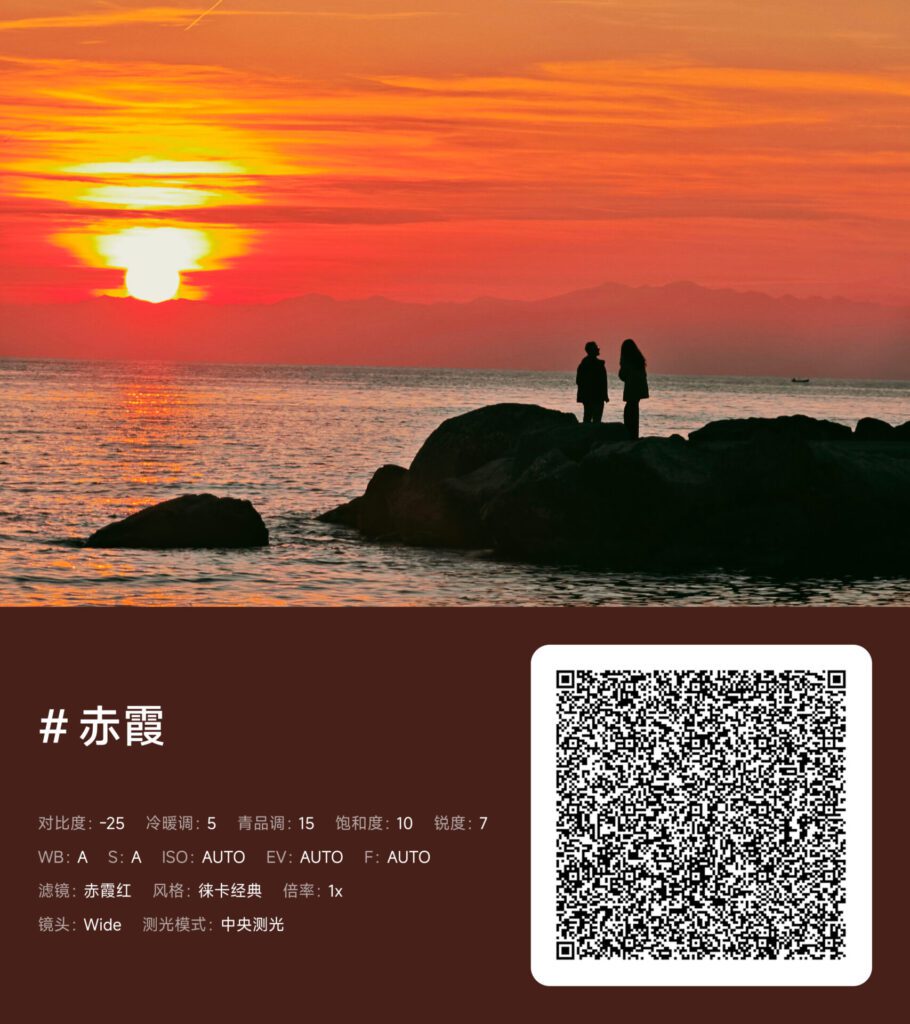
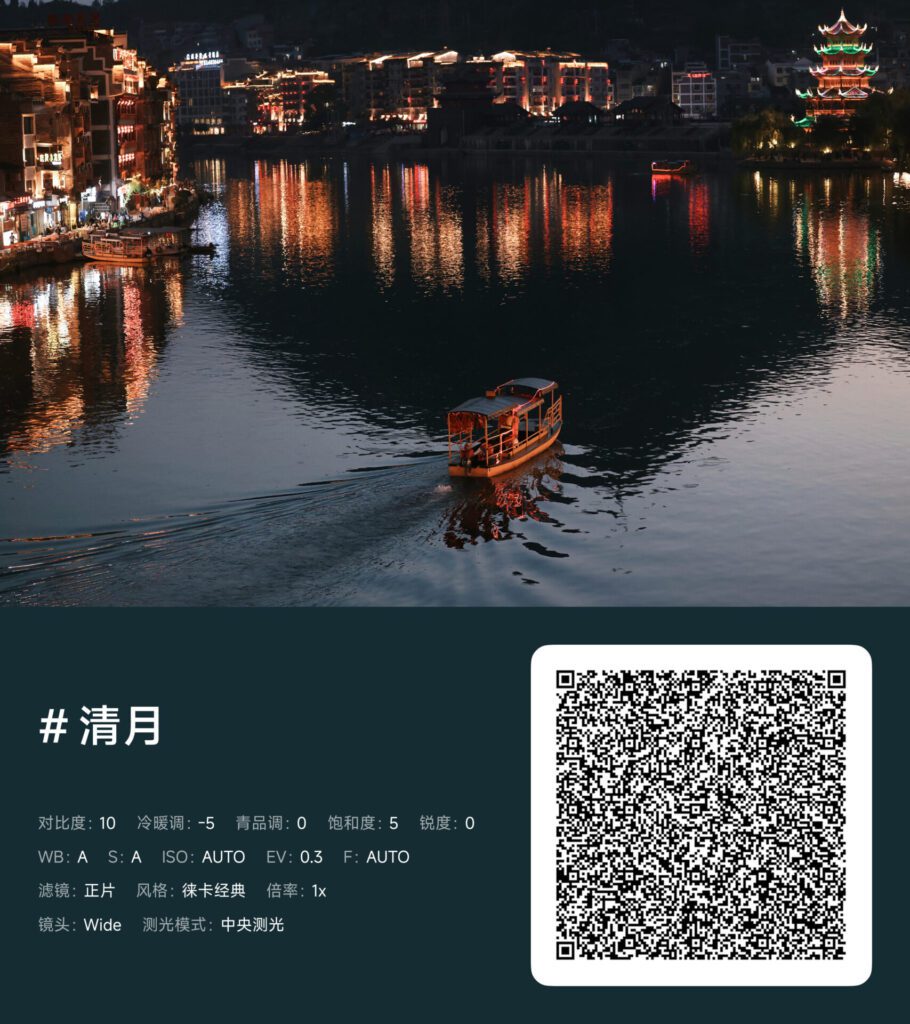
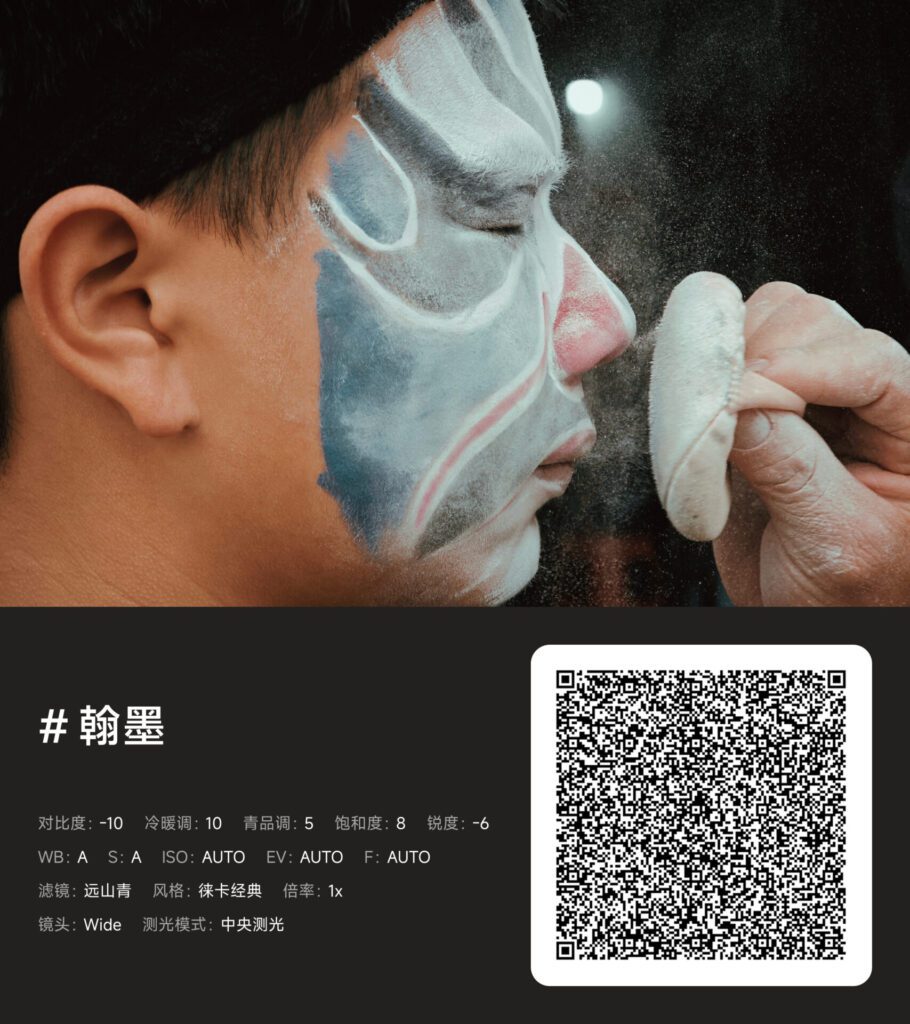
Xiaomi has made using these presets quite easy. Users can either scan the QR code provided in the official image or download the entire Batch 4 package.
Download Xiaomi Professional Styles (Batch 4)
Password: Nv31
Installation Process
First, download and extract the preset package. Then, open the system camera app on your Xiaomi phone and go to Pro Mode. In the Preset Management section, select the “Import” option. After selecting the file or scanning the QR code, these presets will appear as shortcuts like C1, C2, and C3 in the camera interface.
Also Read:
Xiaomi 17 Ultra Leica camera presets Are Now Available on more devices with the HyperOS Update
Xiaomi 17 Max: New Flagship to Feature Massive Battery and Improved Camera
Source: XiaomiTimes & Weibo